Dual SIM Explained: Keeping Your Home Number While You Travel
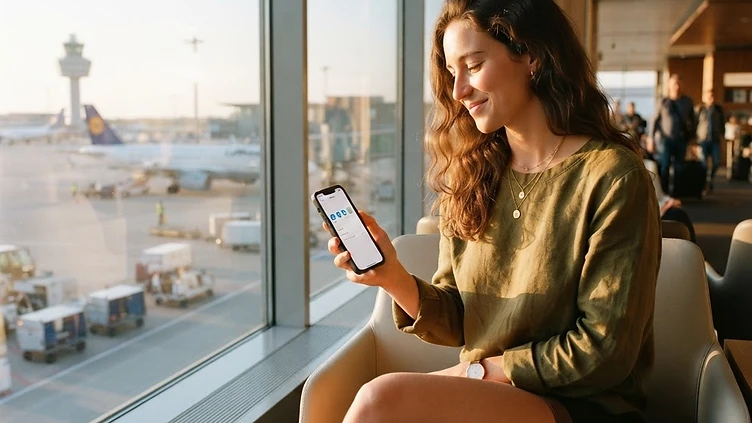
Most modern smartphones can hold two active profiles at once, one physical or digital SIM for your home number and a second eSIM for travel data. This simple feature solves one of the oldest travel connectivity headaches: how to stay reachable on your regular number while still getting affordable data in a new country. Here's how dual SIM actually works, and how to set it up before you fly so nothing surprises you at the airport.
What Dual SIM Really Means
Dual SIM doesn't mean two separate phones. It means your single device can store and run two mobile profiles simultaneously, each with its own number, carrier, and settings. On most phones released in recent years, one slot can be a physical SIM card and the other an eSIM, or in some cases two eSIMs can run side by side. Each profile operates independently, so you can receive a call on your home number while your travel eSIM quietly handles internet browsing, maps, and messaging apps in the background.
This matters for travelers because it separates two needs that used to conflict: staying reachable for family, banking alerts, or two-factor codes, and getting reasonably priced data in a foreign country. Instead of choosing one or the other, dual SIM lets both run at once.
How the Two Profiles Divide Responsibilities
Once both profiles are active, your phone lets you decide how each one behaves. Typically you'll set things up so that:
- Your home SIM stays on for calls, SMS, and anything tied to that number, like banking verification codes.
- Your travel eSIM becomes the default for mobile data, so browsing, navigation, and app usage pull from the new plan instead of racking up roaming charges on your home line.
- Voice calls over apps like messaging or video call services can run over the eSIM's data connection, giving you a free or low-cost way to make calls without using your home carrier's minutes.
- Notifications and alerts continue to arrive normally, since the phone number itself doesn't change, only which profile handles data.
Most phones also let you label each profile, so instead of seeing generic carrier names in your settings, you can mark one as "Home" and the other as "Travel Data" to avoid any mix-ups while you're moving through unfamiliar menus in an unfamiliar time zone.
Setting Everything Up Before You Leave
The smoothest dual SIM experience comes from preparing while you still have reliable home Wi-Fi, rather than fumbling with settings at a boarding gate. A calm setup session at your kitchen table beats troubleshooting in an airport line every time.
Start by confirming your phone model supports eSIM and dual SIM functionality, since not every device or region variant does. Next, purchase and install your travel eSIM profile ahead of time; most providers deliver this as a QR code or activation link you scan once and store on the device, with the plan itself only switching on once you land in your destination or manually activate it. While you're in settings, check which profile is assigned to data and confirm your home SIM remains set for calls and texts.
It's also worth turning off automatic data roaming on your home SIM specifically, so your phone doesn't accidentally default to an expensive roaming connection the moment your travel eSIM has a weak signal.
Common Situations Where Dual SIM Shines
Dual SIM setups are especially useful in a few recurring travel scenarios:
- Long trips where you need to receive verification codes or calls on your home number for banking, work, or family reasons.
- Multi-destination itineraries, where you can swap or add new travel eSIM profiles for each country while your home number stays constant throughout.
- Business travel, where colleagues and clients expect to reach you on your usual number even while you're using local data abroad.
- Short layovers or day trips across borders, where switching data profiles takes seconds instead of requiring a new physical SIM card.
A Few Things to Double-Check
Before relying on dual SIM for an important trip, confirm a couple of details on your specific device. Some older or budget phone models support eSIM but limit how both profiles can run at the same time, so one might go on standby while the other is active for data-heavy tasks. It's also wise to check your home carrier's policy on using your number passively abroad, since even without active roaming data, incoming calls and texts may still carry charges depending on your plan. When in doubt, a quick look at your carrier's support page before departure saves confusion later.
Final Checklist
Before your next trip, run through this short list:
- Confirm your phone supports eSIM and dual SIM operation.
- Buy and install your travel eSIM while connected to home Wi-Fi, before departure.
- Set your home SIM for calls and texts, and the eSIM as the default for data.
- Turn off automatic data roaming on your home SIM.
- Label each profile clearly in your settings so there's no mix-up abroad.
- Review your home carrier's policy on calls and texts received while traveling.
With these steps handled in advance, you'll land ready to use affordable local data the moment you touch down, all while staying reachable on the number everyone already has saved for you.